Give Tandmade your brand
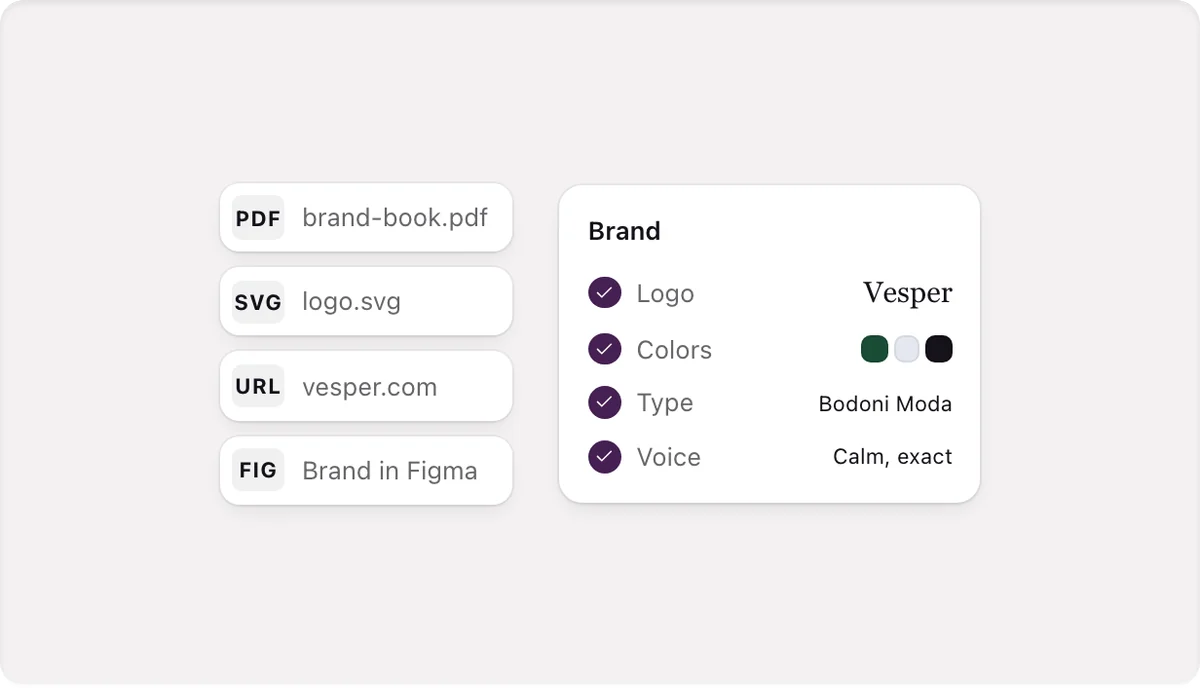
Drop your brand manual, logo, fonts or photos, paste your website, or write a sentence. Tandmade reads it for free and shows your site with it. Nothing changes until you keep it.
Your brand is how your site looks and how it sounds. Once it's set, everything new follows it: what you build by hand, what the agent writes, ✦ rewrites, builds and apps you connect through MCP.
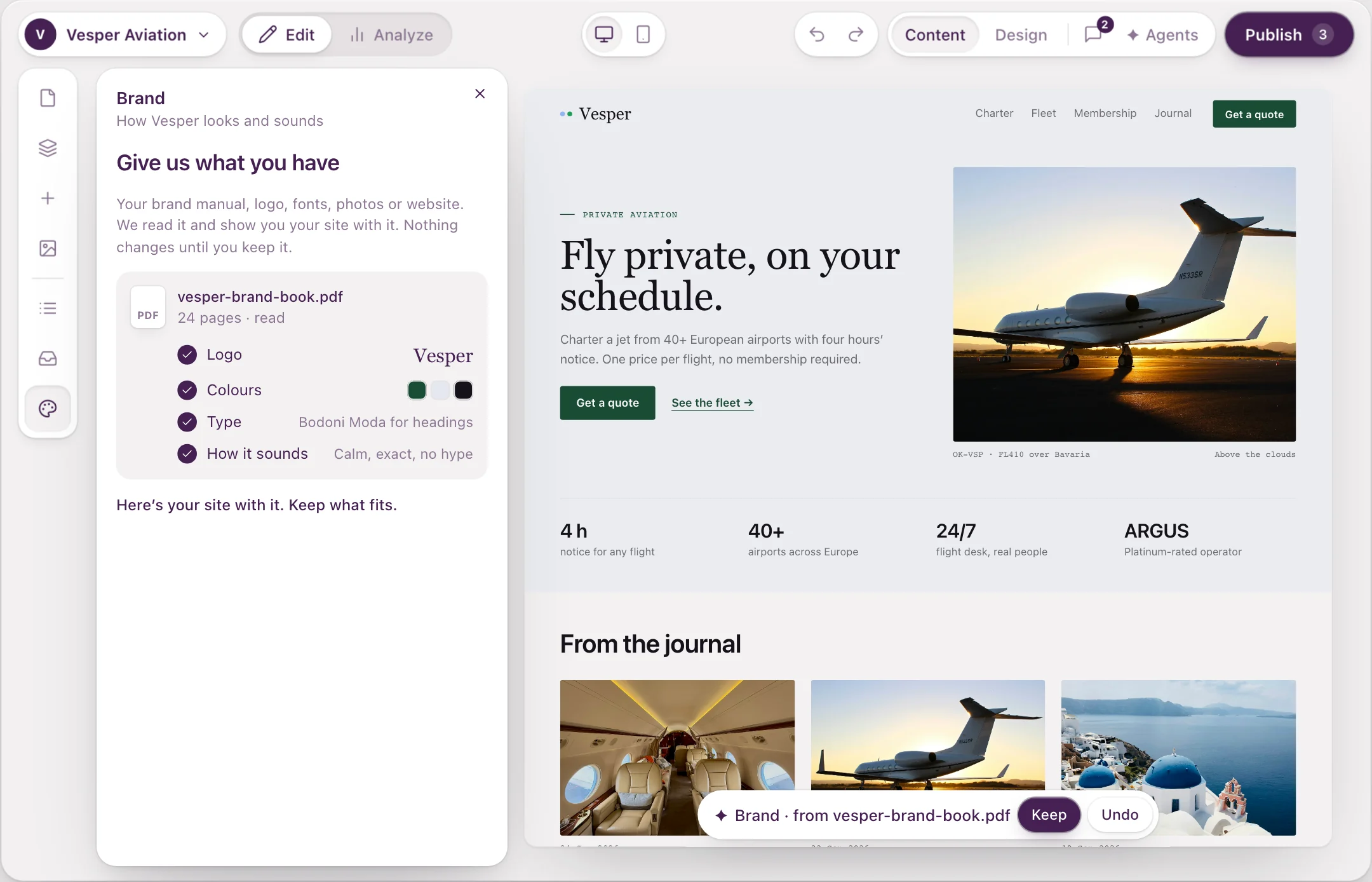
Your site with your brand, before anything is saved.
Open Brand
Click Brand in the left bar or press B. A card opens next to your page, so you see every change on the real site while you make it.
A new site starts on Tandmade's defaults: blue buttons, the Inter font and a calm, plain voice. The card says so and offers Add what you have.
Give it what you have
On Give us what you have:
- Drop files — a brand manual (PDF up to 100 pages), a Word document, logo files, photos or font files, up to 25 MB each.
- Paste a link — your website, or a Google Doc shared by link.
- Write a sentence — "We never promise next-day delivery."
There's no Read button: Tandmade sorts what you drop on its own. A logo goes to the right slot by its shape, photos go to Photos, font files to Fonts, and documents are read. Reading is free and runs in the background: "Reading page 6 of 18…", "Found so far: 3 colors · 2 fonts".
When you paste a website, Tandmade asks Is example.com your website?
- Yes, it's ours — it reads your texts, facts, colors, fonts, logo and up to 12 photos.
- No, a site we like — it keeps it as inspiration for layout and tone, and never takes facts, a logo or photos from it.
Your files are information, not instructions A sentence in a manual or on a web page never makes Tandmade publish anything or change a setting.
Check it on your page and keep it
If something is unclear, Tandmade asks first, one question at a time:
- Which color is for buttons and links?
- Your site already has its own choice — for example, your manual says one heading font and someone picked another. You choose which stays.
- Are these true about you? — facts found on your pages. The site only ever repeats the ones you keep.
Then you see Here's your site with your brand manual. The colors, fonts and logo are on your page, but nothing is saved yet. Each part has the page of the manual it came from; hover one and click Leave out to skip it.
At the bottom of the page: Before | After · Keep · Not now. Keep (⌘↵) saves everything as one step you can undo. Not now leaves it waiting in the card.
Visitors see the new brand with your next publish.
Nothing to give yet?
Click I don't have anything yet. Four short screens ask for a button color, a pair of fonts, a line about your company and your logo.
Already have another site in the workspace? Copy brand from another site… takes its brand. The sites stay separate afterwards.
A brand that sets itself up
When you build a site from your website's address, from a Figma file, or with pages written by Claude, Tandmade reads the source for free and fills in the empty parts of the brand in one step: "We set up your brand from yourcompany.com: your logo, how you sound and 12 photos." Undo takes it all back. Facts and things you never promise wait for you to confirm them.
Next Set the voice in How your brand sounds, adjust the look in How your brand looks, then check a page against your brand.